
How to Stop Debit Card Recurring Payments
Stop unwanted debit card recurring charges. Cancel subscriptions, block merchants, manage UPI autopay mandates, and protect your bank account from unauthorized debits.
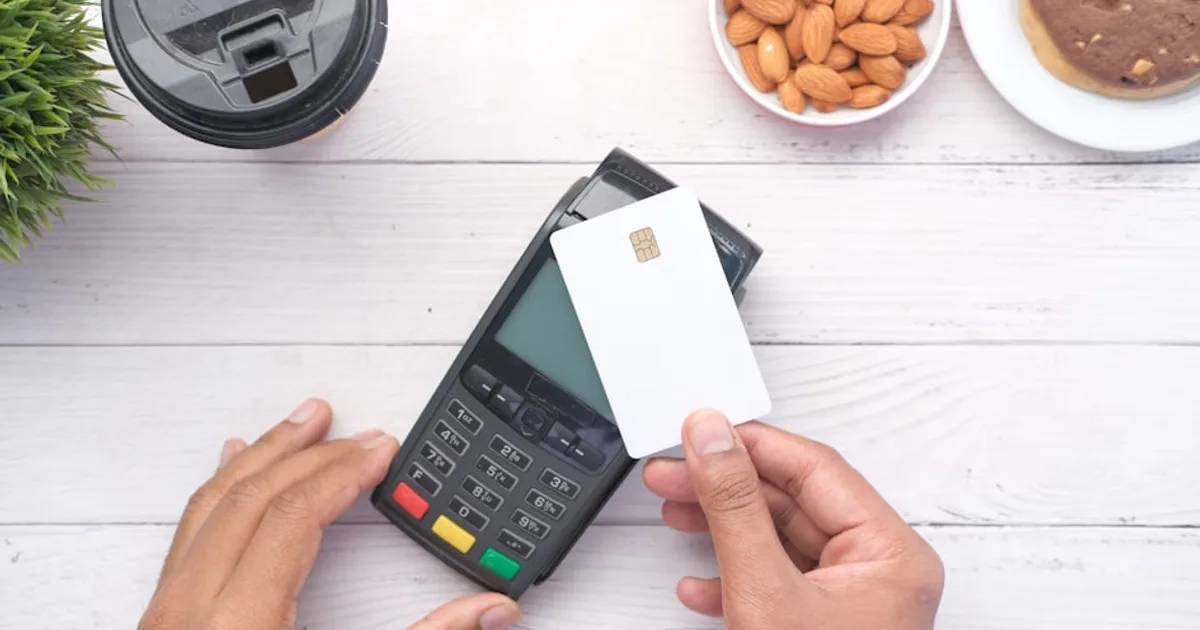
Unlike credit cards, debit card recurring charges pull money directly from your bank account — which means unwanted charges can cause real problems like overdraft fees or insufficient funds for essential payments. This guide covers every way to stop recurring debit card charges, including UPI autopay mandates popular in India.
What you'll learn
- How debit card recurring payments differ from credit card charges
- Step-by-step: stopping auto-debit through your bank
- RBI e-mandate rules and how they protect you
- What to do when money is debited after cancellation
- Setting up UPI autopay alerts and limits
Key difference: Debit card chargebacks are harder to win than credit card disputes because the money has already left your account. Cancel with the merchant first whenever possible.
Method 1: Cancel with the Merchant Directly
- 1Log in to the service's website or app
- 2Navigate to Account Settings → Billing/Subscription
- 3Click 'Cancel subscription' or 'Cancel recurring payment'
- 4Complete any cancellation steps (some services try retention offers)
- 5Save/screenshot the cancellation confirmation
- 6Remove your debit card from their payment settings
- 7Check your email for the cancellation confirmation
Method 2: Contact Your Bank to Block the Merchant
If the merchant won't stop charging you, contact your bank to block the charges:
- Call your bank's customer service (number on the back of your debit card)
- Request a 'stop payment' or 'merchant block' for the specific company
- Provide the merchant name exactly appears on your statement
- Ask for written confirmation that the block has been placed
- Monitor your next 2-3 statements to verify the charges have stopped
Method 3: Cancel UPI Autopay Mandates (India)
If you're in India and the recurring payment uses UPI autopay (common for Netflix, Spotify, Swiggy, etc.), you can cancel the mandate directly from your UPI app:
How to cancel LinkedIn Recruiter in India. Steps for Recruiter Lite via Admin Center. Enterprise Recruiter is non-cancelable. Avoid data loss.
- 1Open your UPI app (Google Pay, PhonePe, Paytm, or your bank's UPI app)
- 2Go to Profile or Settings → 'Manage UPI Mandates' or 'Autopay'
- 3You'll see all active UPI mandates with merchant names and amounts
- 4Tap the mandate you want to cancel
- 5Tap 'Revoke' or 'Cancel mandate'
- 6Enter your UPI PIN to confirm
- 7The mandate will be cancelled immediately
In Google Pay: Profile → Settings → Automatic payments → Select merchant → Cancel. In PhonePe: Profile → UPI Settings → Manage UPI mandates → Revoke.
Method 4: Replace Your Debit Card (Nuclear Option)
If multiple merchants won't stop charging you, request a new debit card with a different number. This stops ALL recurring charges on the old card. Only use this last resort because:
- You'll need to update your card details with every legitimate subscription
- Some banks may be able to transfer existing mandates to the new card via account updater services
- It takes 5-10 business days to receive a new card
- Set up your new card carefully — only add it to subscriptions you actually want to keep
How to Find All Recurring Charges on Your Debit Card
- Check your bank statement for the last 6 months — download from net banking or the mobile app
- Filter for recurring amounts (same charge appearing monthly or yearly)
- In India: Check UPI apps for all active mandates — these show recurring UPI payments
- Look for small charges you might have ignored (₹49, ₹99, ₹199 are common subscription amounts)
- Search your email inbox for 'payment receipt', 'subscription confirmed', or 'auto-renewal'
- Use RecurStop to consolidate all subscriptions in one dashboard
India RBI Rules for Debit Card Recurring Payments
- All recurring charges over ₹5,000 require OTP or app approval before each debit
- For charges under ₹5,000, your bank must send a pre-debit notification at least 24 hours before
- You can decline the pre-debit notification to block that specific charge
- UPI mandates are governed by NPCI rules — you can revoke them anytime from your UPI app
- E-mandate registration requires one-time authentication (OTP + debit card details)
- Banks must provide an easy option to opt out of all e-mandates through net banking
How to Dispute Unauthorized Debit Card Charges
- 1Report the unauthorized charge to your bank within 3 working days (for full protection under RBI guidelines)
- 2File a written complaint with your bank's customer service
- 3Provide transaction details: date, amount, merchant name
- 4The bank must resolve the complaint within 90 days
- 5If unresolved, escalate to the RBI Banking Ombudsman at cms.rbi.org.in
- 6For US/global: Contact your bank within 60 days of the statement date and file a Regulation E dispute
Prevention Tips
- Keep a separate bank account for subscriptions with only enough balance for expected charges
- Set up SMS/push alerts for every debit transaction
- Review UPI mandates quarterly — revoke any you don't recognize
- Use RecurStop to get reminders before every recurring charge
- Never share your debit card details on unfamiliar websites
- For free trials, use a virtual debit card or prepaid card when possible
Track every subscription and recurring payment in one place with RecurStop. Get reminders before charges hit your bank account. Free for up to 5 subscriptions.
Frequently Asked Questions
Can I stop a debit card recurring payment without cancelling with the merchant?
Yes, you can ask your bank to block the merchant or revoke the UPI mandate. However, the merchant may still consider your subscription active and could send your account to collections or charge late fees. Always try to cancel with the merchant first.
How do I cancel UPI autopay in Google Pay?
Open Google Pay → Tap your profile picture → Settings → Automatic payments (or Subscriptions & services). You'll see all active mandates. Tap the one you want to cancel → Cancel automatic payment → Enter UPI PIN to confirm.
What happens if a debit card charge causes an overdraft?
If a recurring charge creates a negative balance, your bank may charge overdraft fees (typically ₹250-750 in India or $25-35 in the US). If the charge was unauthorized, file a dispute immediately — the bank should refund both the charge and the overdraft fee.